
· 8 min read
Updated
Putting the food bank in people’s pockets
Getting a food bank’s app onto Google Play and the App Store: a $25 fee, a 28-day test, a borrowed budget for a Mac, and why I chose Capacitor.
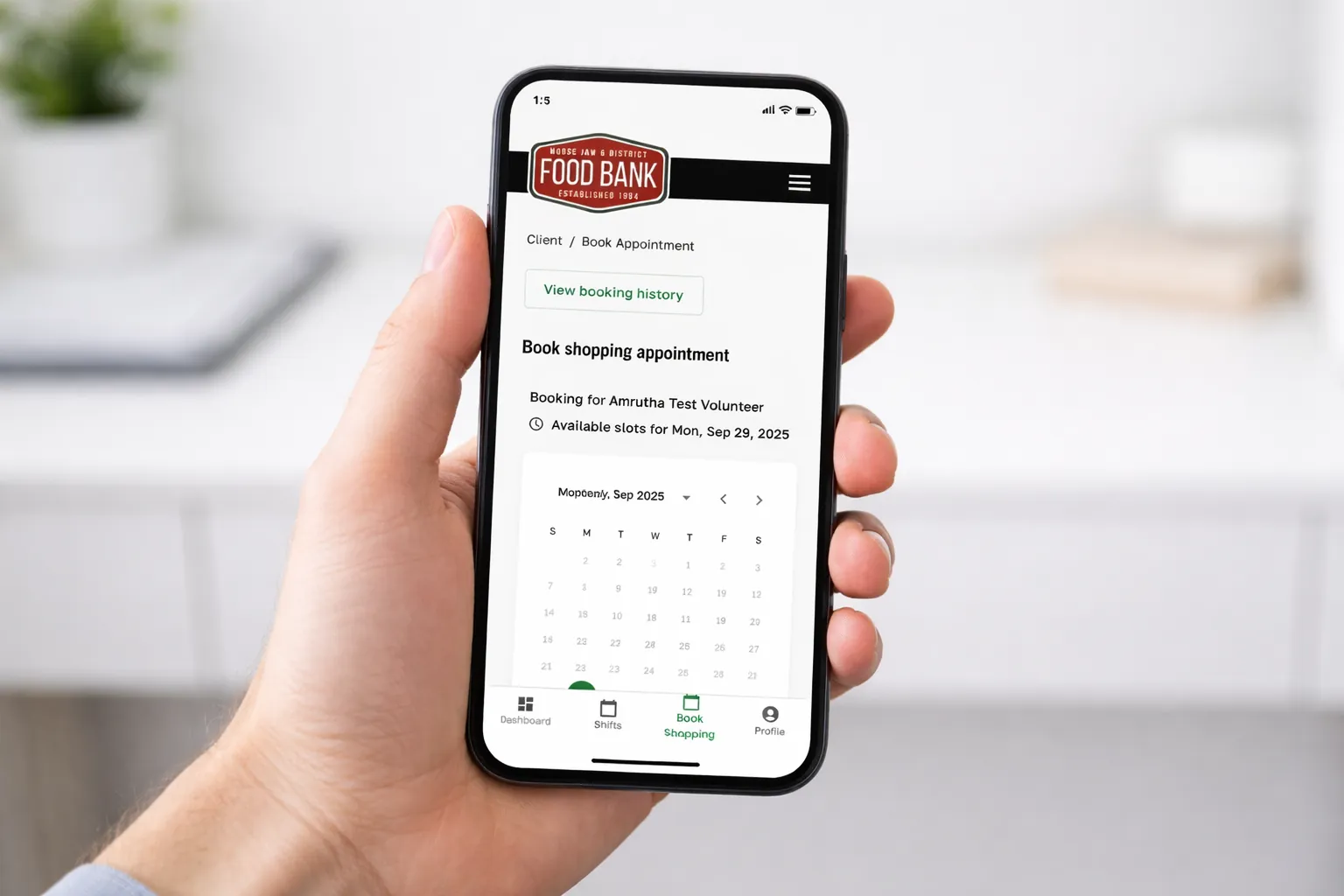
Once clients could book their own visits in the food bank’s booking app, the next question was where they would open it. For most of them, the answer was their phone. And when people look for an app, they look in the app store.
Android first, because of the cost
The app started as an installable web app, which cost nothing. To get into an actual store, Android was the obvious first step: a Google Play developer account is a one-time fee of $25 USD, and that’s it. For a food bank counting every dollar, that settled it.
Google’s 28-day wait
New developer accounts can’t just publish on Google Play. Google requires a closed test first: at least 10 testers using the app actively for 14 days in a row. I managed to find our testers, but their activity wasn’t high enough, so Google extended the testing period.
After 28 days, they approved it, and in December 2025 the Moose Jaw Food Bank app became available on the Google Play Store.
Choosing how to build it: why Capacitor
To reach iPhones too, I had to rethink how the apps were built. These were the options I weighed:
Installable web app (PWA)
Good Free, and the same code as the website.
Catch Not in the app stores, and installing one from a browser menu is something most people don’t know to do.
Trusted Web Activity (Bubblewrap)
Good The quickest way onto Google Play, wrapping the website as an Android app.
Catch Android only, and little more than the website in a frame, with no real access to the phone’s features.
Rewrite as a native app
Good Full access to everything the phone can do.
Catch A second, separate app to build and maintain for every feature, on two platforms.
Capacitor
Good Real Android and iOS apps built from the same code as the web app, with access to native features like fingerprint and face sign-in, secure storage and push notifications.
Catch Some native setup and platform quirks to learn, especially on iOS.
The first Android version was a Trusted Web Activity, because it was the fastest way onto Google Play. But it couldn’t reach iOS, and it couldn’t use the phone’s own features. In December 2025 I moved both platforms to Capacitor, and once real store apps existed on Android and iOS, we retired the installable web app.
For a small organization, that choice matters more than it sounds:
- Every feature reaches everyone at once. A fix or a new feature in the web app goes out to Android and iOS in the same release.
- One thing to maintain, with no separate mobile codebase and no mobile developer to hire.
- Real phone features, like fingerprint and face sign-in so nobody has to remember a password.
- It’s the app people already know. The screens and steps match the website, so staff can help anyone, whatever device they’re on.
Apple: the expensive one
Apple was a much bigger challenge, mostly because of cost:
- Keeping apps in the App Store costs $99 USD every year, not once.
- Building an iOS app requires a Mac, and Macs are ridiculously expensive for a small non-profit.
This is where our executive director, Jason Moore, used his super powers. He found the budget for both, and I got to work.
Apple doesn’t make you run a testing program like Google does. Instead, their own reviewers manually test every app before it is published. That meant we had to add many things to meet their criteria before the app could pass. In March 2026, the iOS app went live on the App Store.
Later, I applied for Apple’s non-profit fee waiver, and the food bank was approved. The $99 yearly fee is now waived.
What people do with it
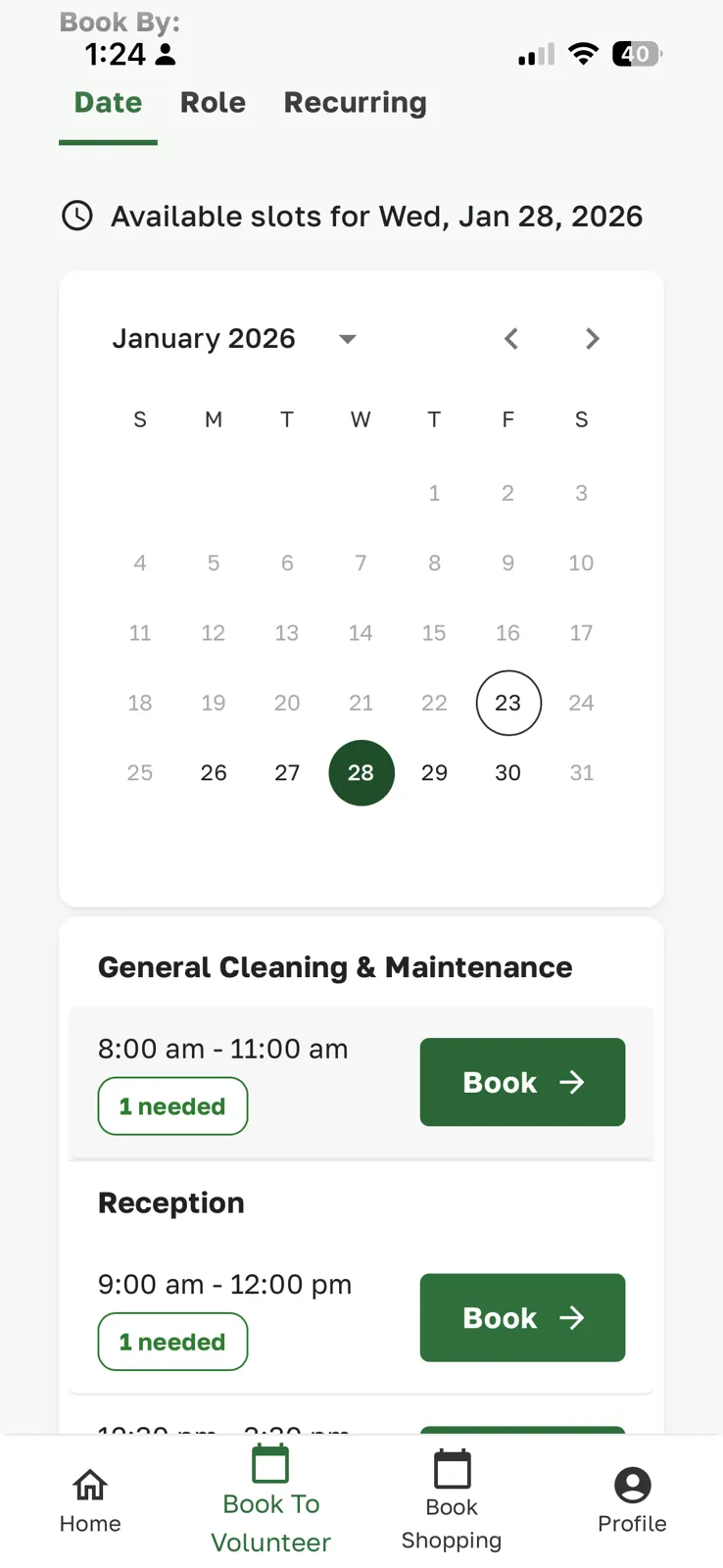
- Clients book, reschedule and cancel pantry visits, and see their upcoming appointments and history.
- Volunteers book shifts and see what they have coming up.
- Staff can check the schedule and record work on the go.
For people who don’t have a smartphone at all, there is also a phone and text booking line.
For the technically curious: how it’s built
- Capacitor shells. The
android/andios/projects are Capacitor wrappers that load the built React app. They replaced the earlier Bubblewrap Trusted Web Activity in December 2025. - Same store listing. The Android app kept its original application ID, so it updated the existing Google Play listing instead of starting a new one. iOS has its own bundle ID, restored automatically by the sync scripts.
- Native features. Credentials sit in the device’s secure storage behind the biometric prompt, push notifications go through Firebase, and the API can require a minimum app version so old installs are asked to update.
- iOS quirks. Getting the iOS build right meant fixes to the web view’s touch and keyboard input, and to how sign-in and CSRF protection work for requests coming from a native app.
- Safe builds. The mobile build always points at the production API and fails if a localhost address slips into the bundle; the native code also replaces any insecure API setting at runtime.
- Releases. Android and iOS versions are bumped together, with a changelog grouped by who the change affects: clients, staff, volunteers and agencies.
If you want your web app in the app stores without building it twice, get in touch. And if you’re a non-profit, ask about the fee waivers. They exist.
— Ami